How to use Live Chat as an Agent?
How to use Live Chat as an Agent?
- Wavity offers a Live Chat feature, enabling real-time communication between end users (employees or customers) and IT support staff or service agents. Users can ask questions, report issues, or request help through a chat interface and receive prompt responses.
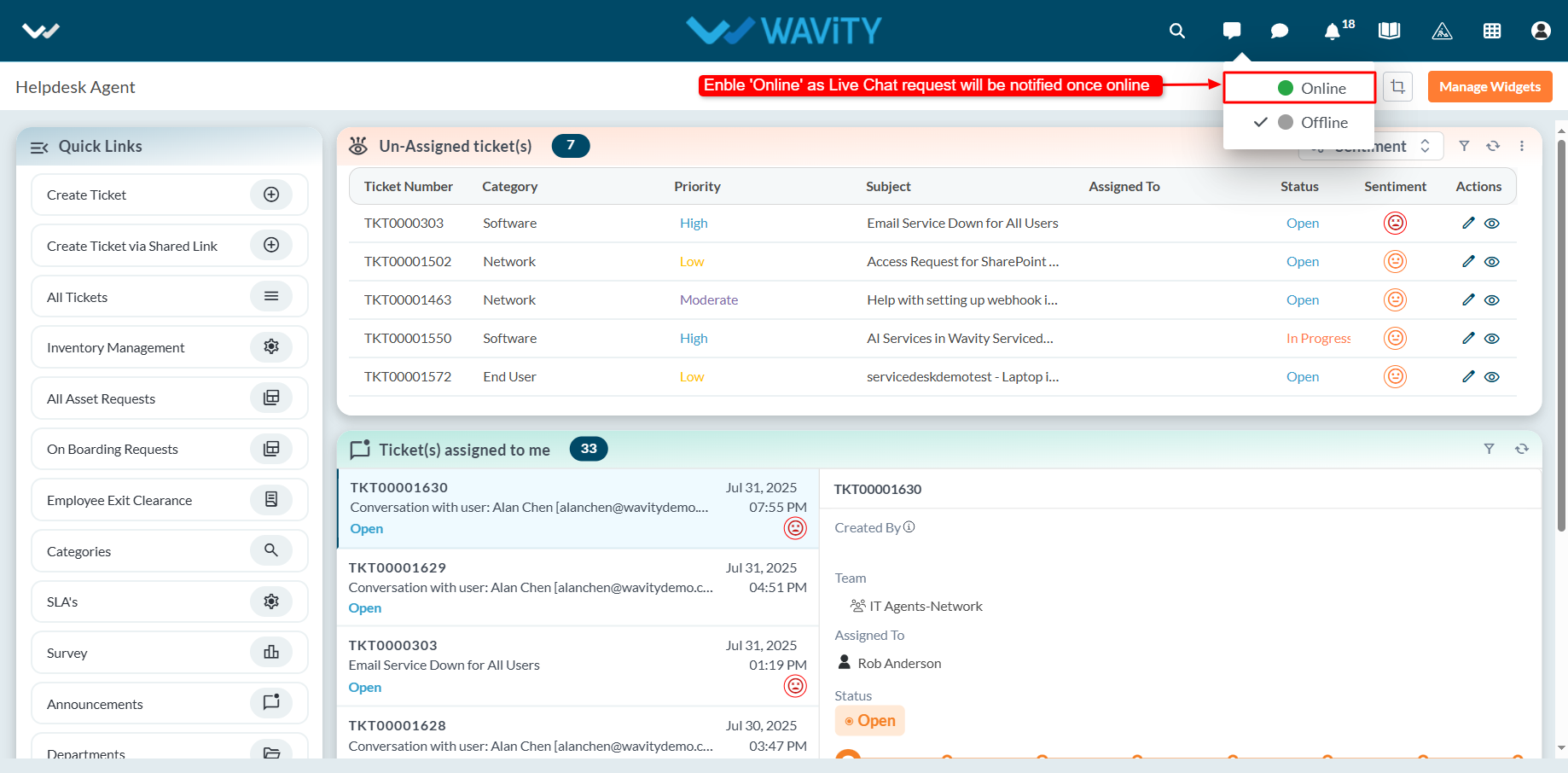
- Agents can activate Online mode by clicking the Live Chat icon on the interface.
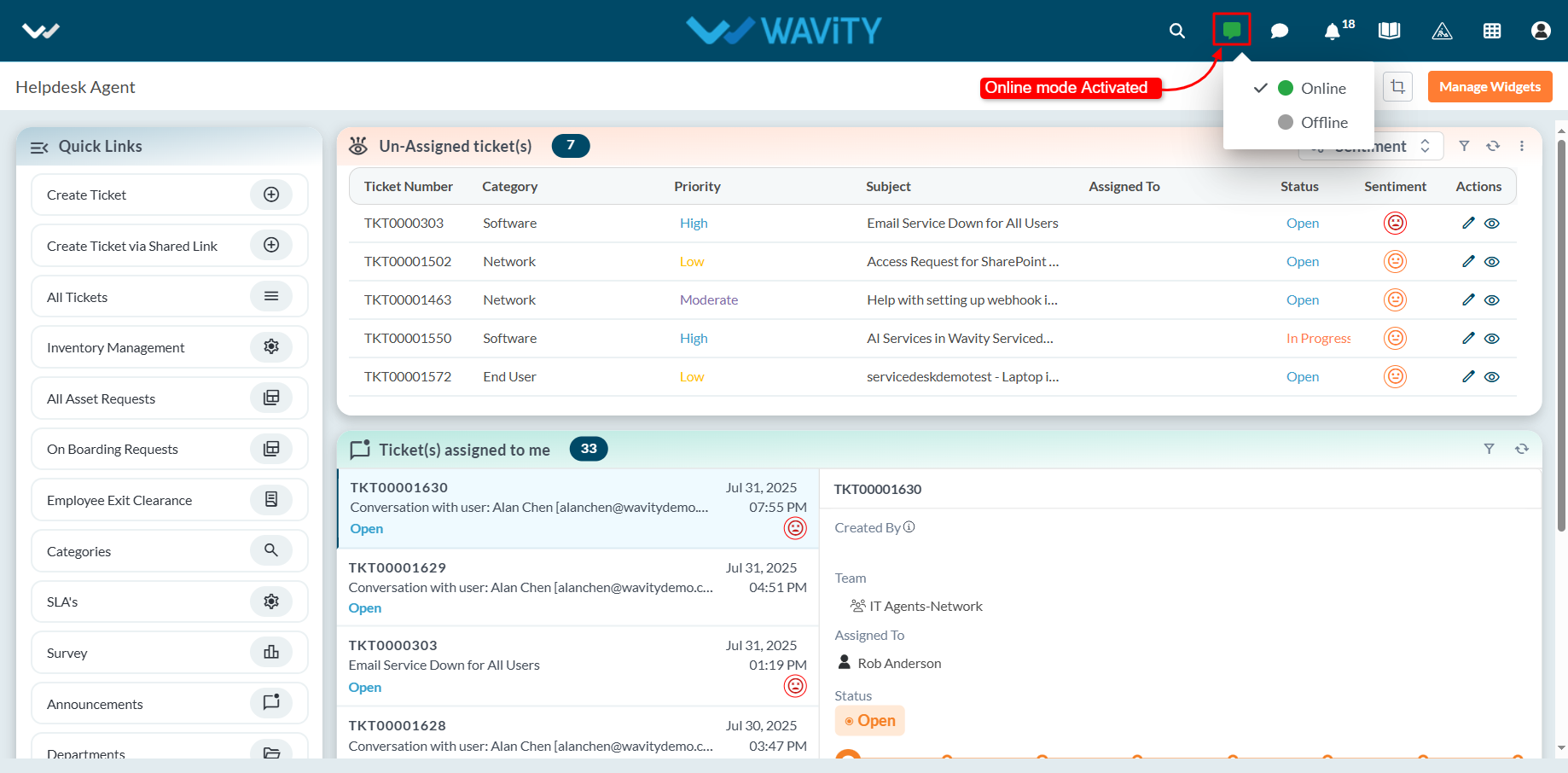
- When Online mode is enabled, the Live Chat icon turns green, indicating the agent is available to receive chat requests.
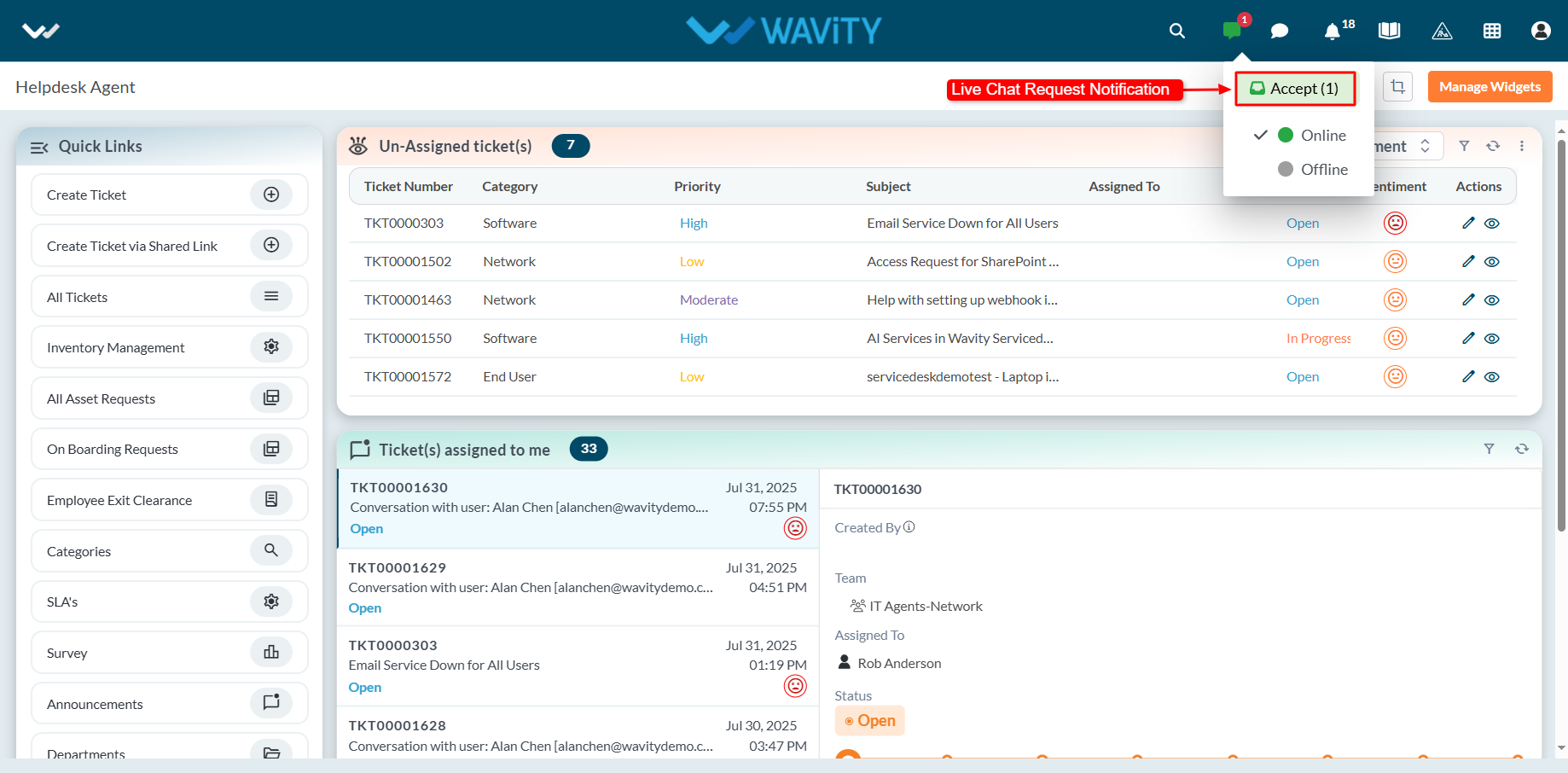
- When an end user initiates a Live Chat request, the agent receives a notification and can choose to accept it. Upon acceptance, the agent can begin a real-time chat session with the user.
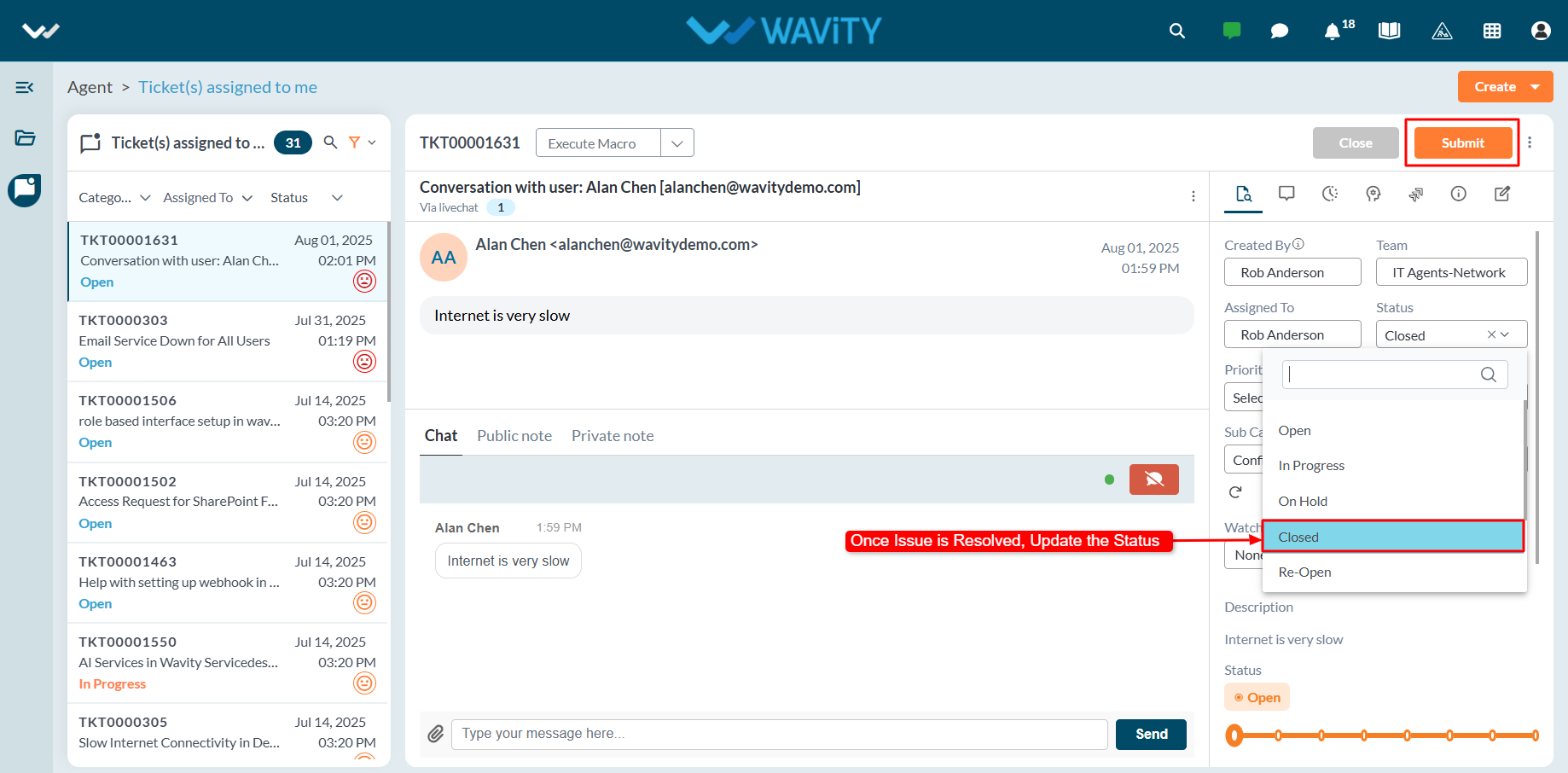
- A new ticket or incident is automatically generated, capturing details such as the ticket ID, requester information, and communication channel.
- Agents can use the message box to interact with the user throughout the session.

- Once the issue is resolved, the agent can update the ticket status and click the Submit button to close the ticket or incident.