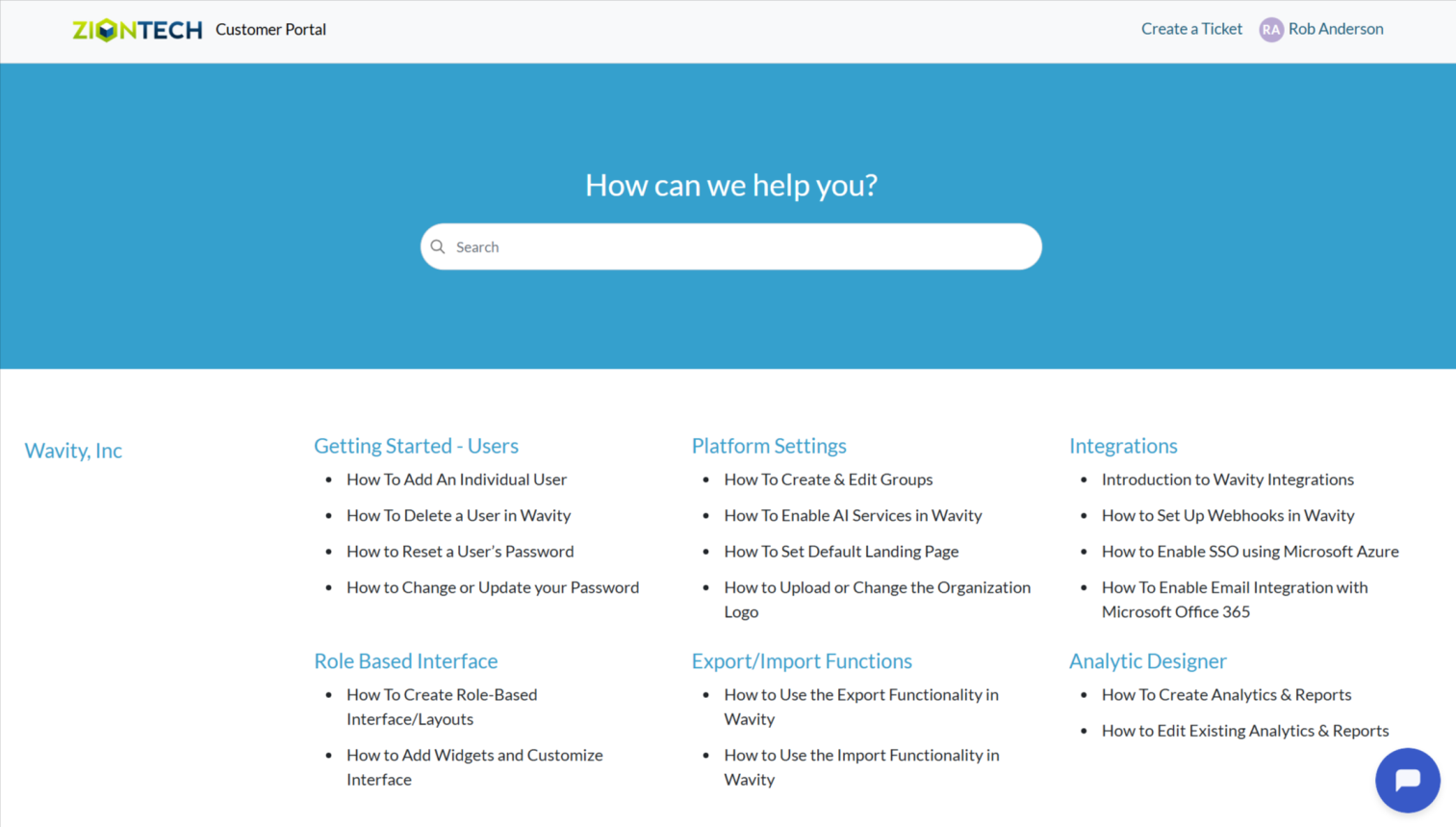
How to Add External Users as Customers
How to Add External Users as Customers
- In Wavity, users can create tickets through the Customer Portal. If a user is not part of the platform (i.e., an external user), they can still be added as a customer, allowing them to create tickets in Customer portal.
- Only Admin will access to add customers.
- Click on Profile Icon.
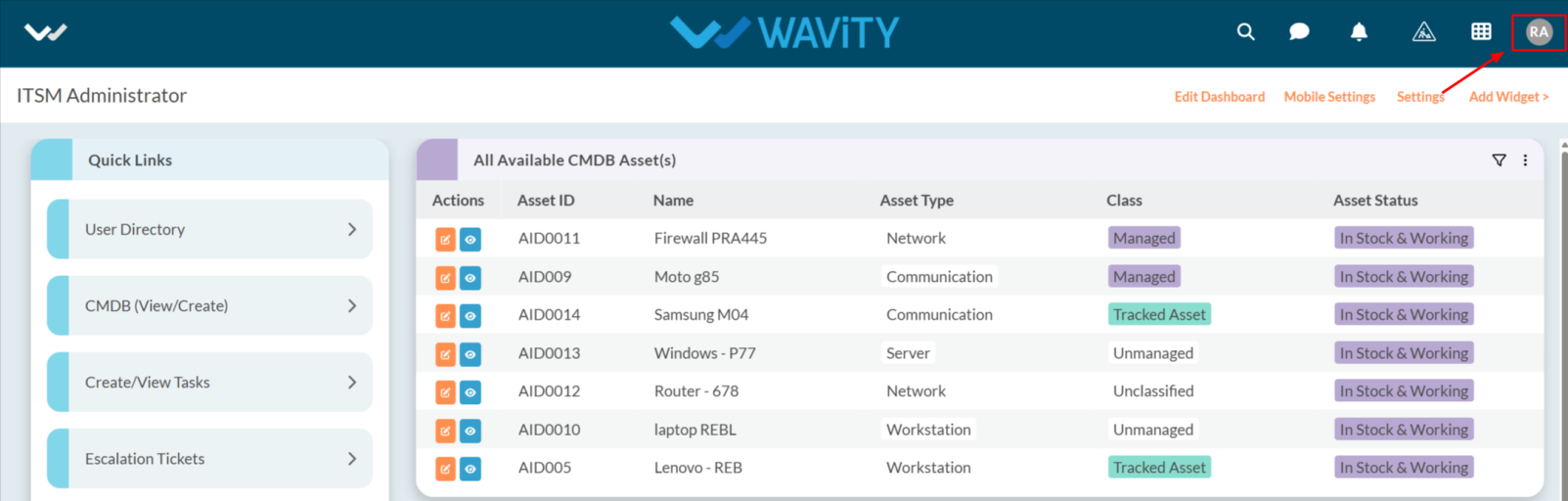
- From the options select General.
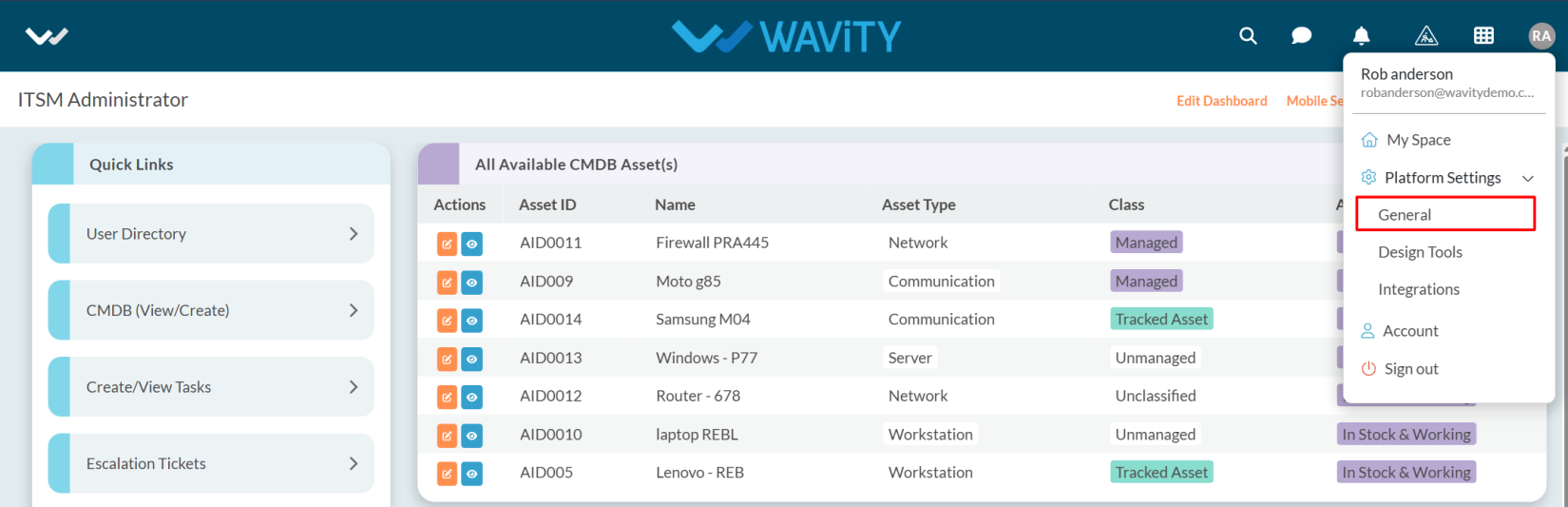
- After selecting General from the options, you will be directed to the Platform Settings – General page.
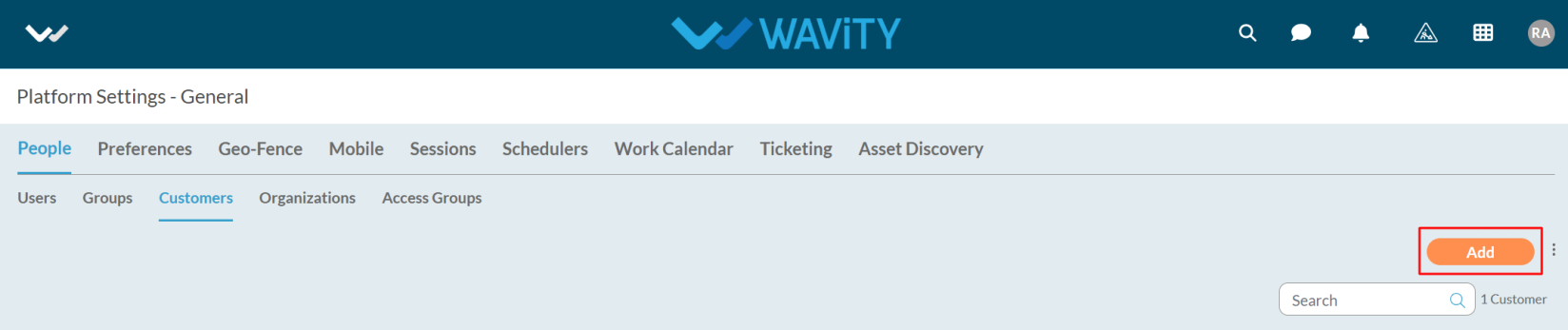
- Navigate to the People tab and select Customers.

- Click on the Add button as shown in the image below.
- Enter the email address, along with the first name and last name.

- You can also add users in bulk by clicking on the Bulk Upload option.

- To grant access for ticket creation, select Customer Portal from the Select Help Portal dropdown.
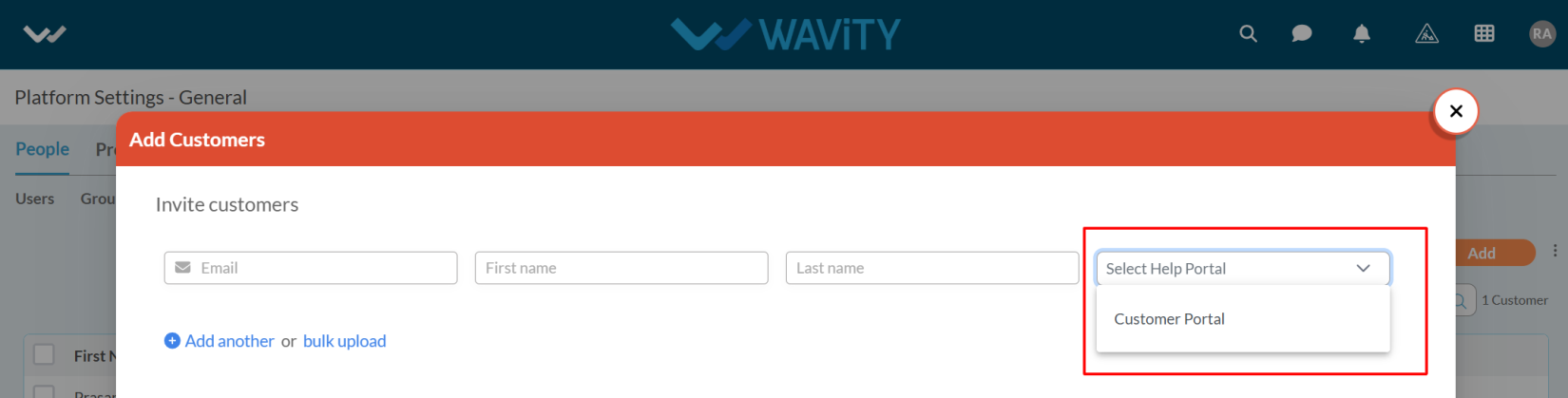
- After entering the customer details in the Add Customers form, click the Add button to proceed.

- The status will now appear as Created.
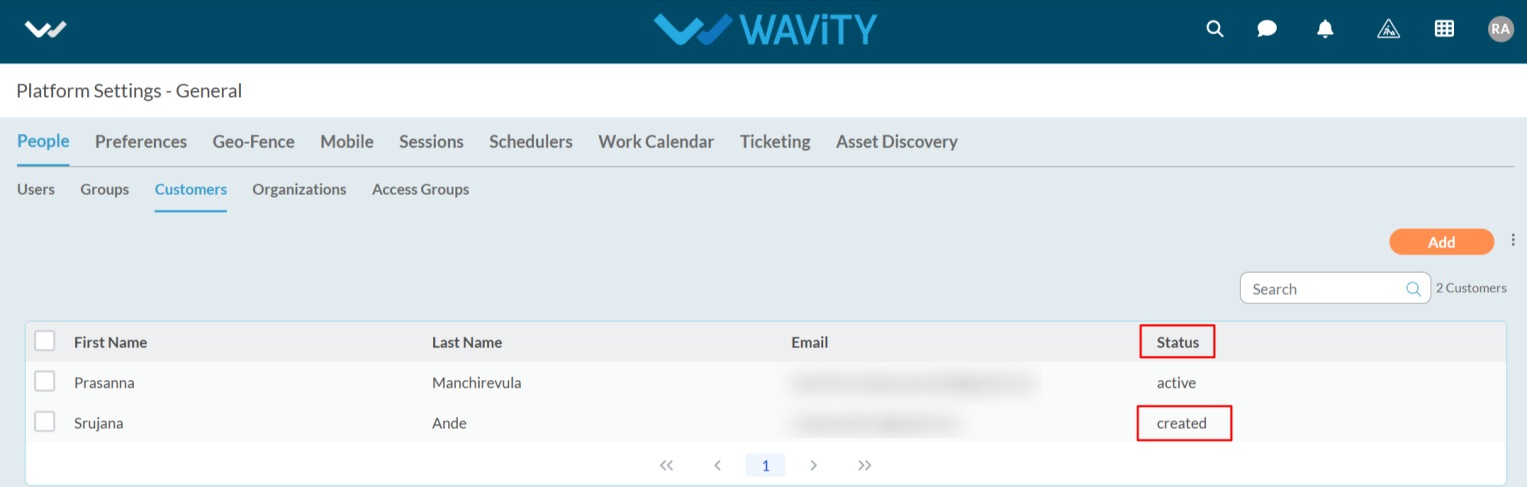
- The user will receive an email notification for Customer Portal activation.

- The user needs to click on Verify Email in the notification.
- After clicking, they will be redirected to the Customer Portal login page, where they will be prompted to set their password.

- After setting the password, the user needs to log in by entering their email address and password.
- Once logged in, they will be redirected to the Customer Portal.