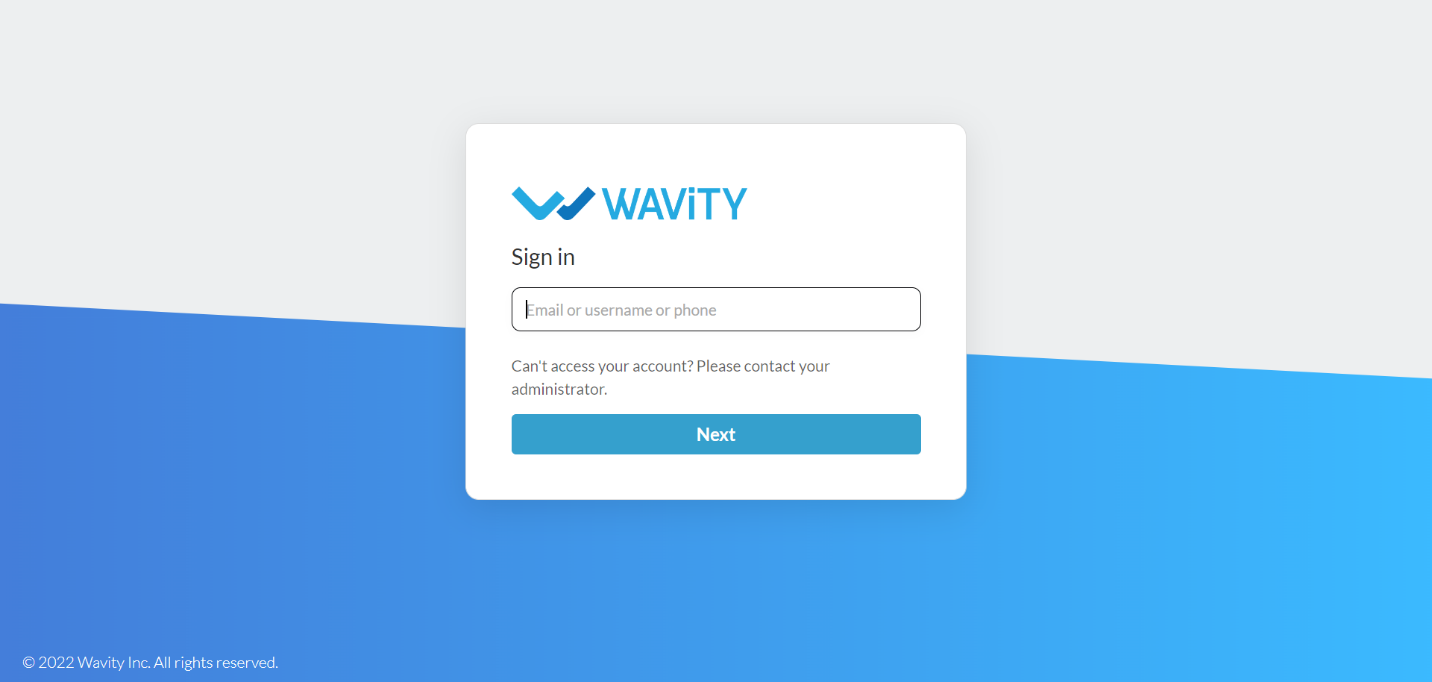
Login to your Wavity account by entering your email id/username and password.
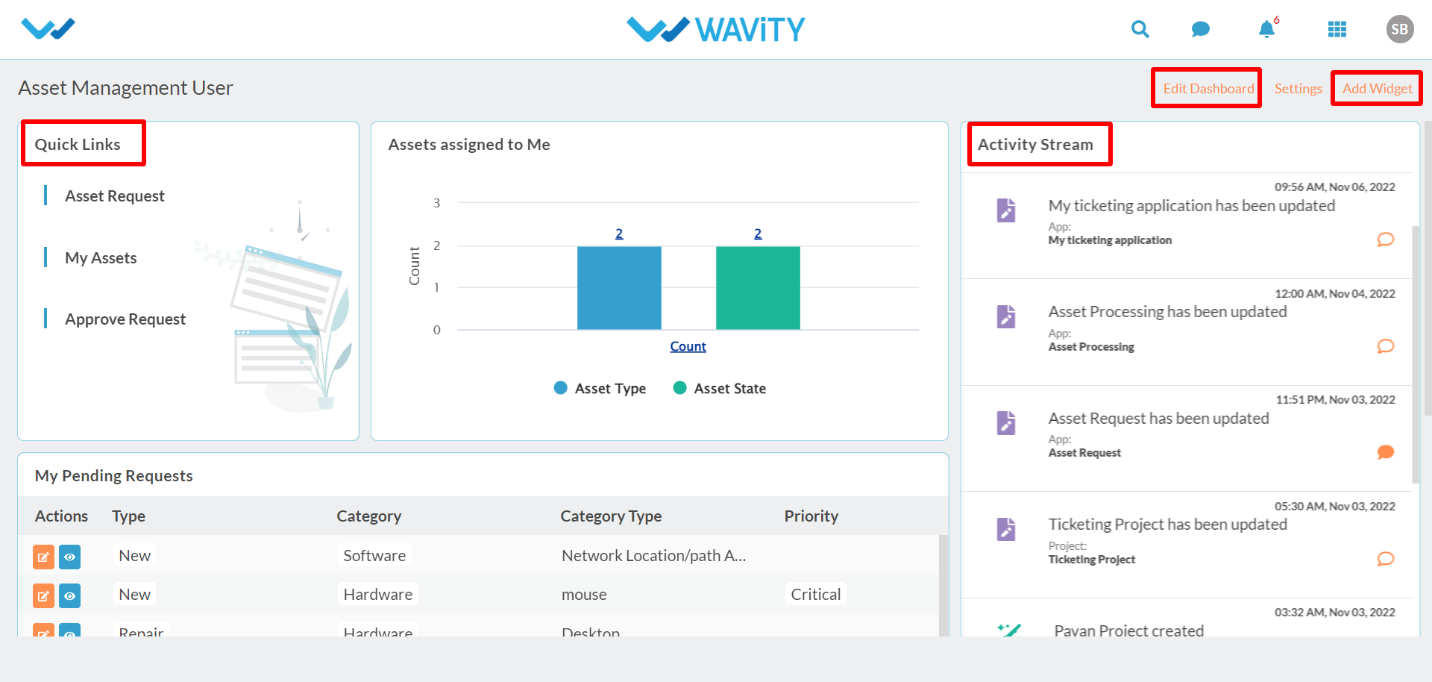
After logging in, User dashboard will be displayed as shown below. Dashboard can be edited by clicking on ‘Edit Dashboard’. User dashboard contains the following major functions:
Quick Links: Quick Links helps to navigate through the platform. Major quick links for user are Asset Request, My Assets & Approve Request.
Analytics & Reports: Analytics and reports based on role and data in the platform.
Activity Stream: It will display all the activities carried out in the platform.
User Login – IT Asset Management
Login to your Wavity account by entering your email id/username and password.
After logging in, User dashboard will be displayed as shown below. Dashboard can be edited by clicking on ‘Edit Dashboard’. User dashboard contains the following major functions:
Quick Links: Quick Links helps to navigate through the platform. Major quick links for user are Asset Request, My Assets & Approve Request.
Analytics & Reports: Analytics and reports based on role and data in the platform.
Activity Stream: It will display all the activities carried out in the platform.
Leave you comment...
Thank you! Your submission has been received!
Oops! Something went wrong while submitting the form.
Leave you comment...