Project Management Office: Viewing Rejected Projects
Project Management Office: Viewing Rejected Projects
- In Wavity Project Portfolio Management, PMO (Project Management Office) Managers can view their rejected projects through the PMO Interface.
- Users with PMO Manager access can log in using their credentials to access this interface.
- Note: The steps provided below are sample instructions and can be customized as per specific requirements; however, the core workflow remains the same.
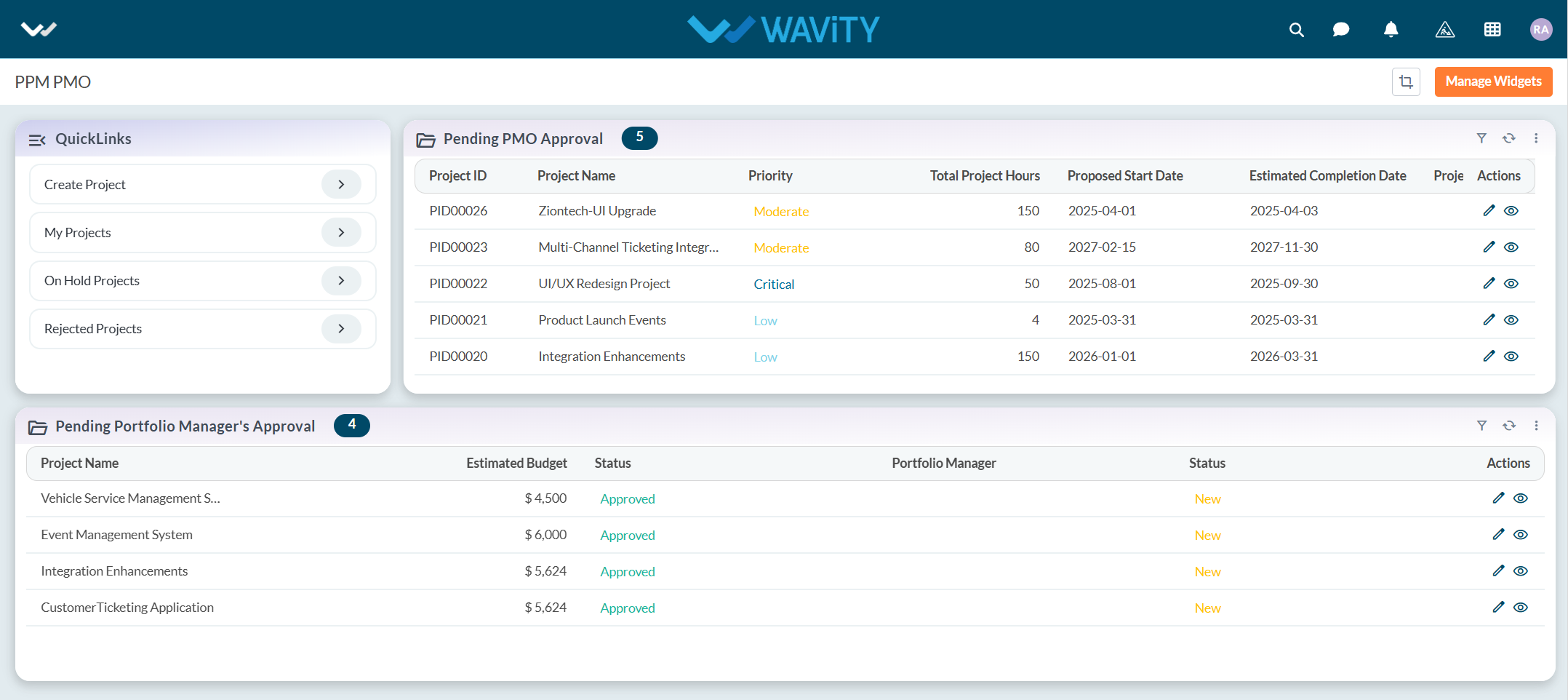
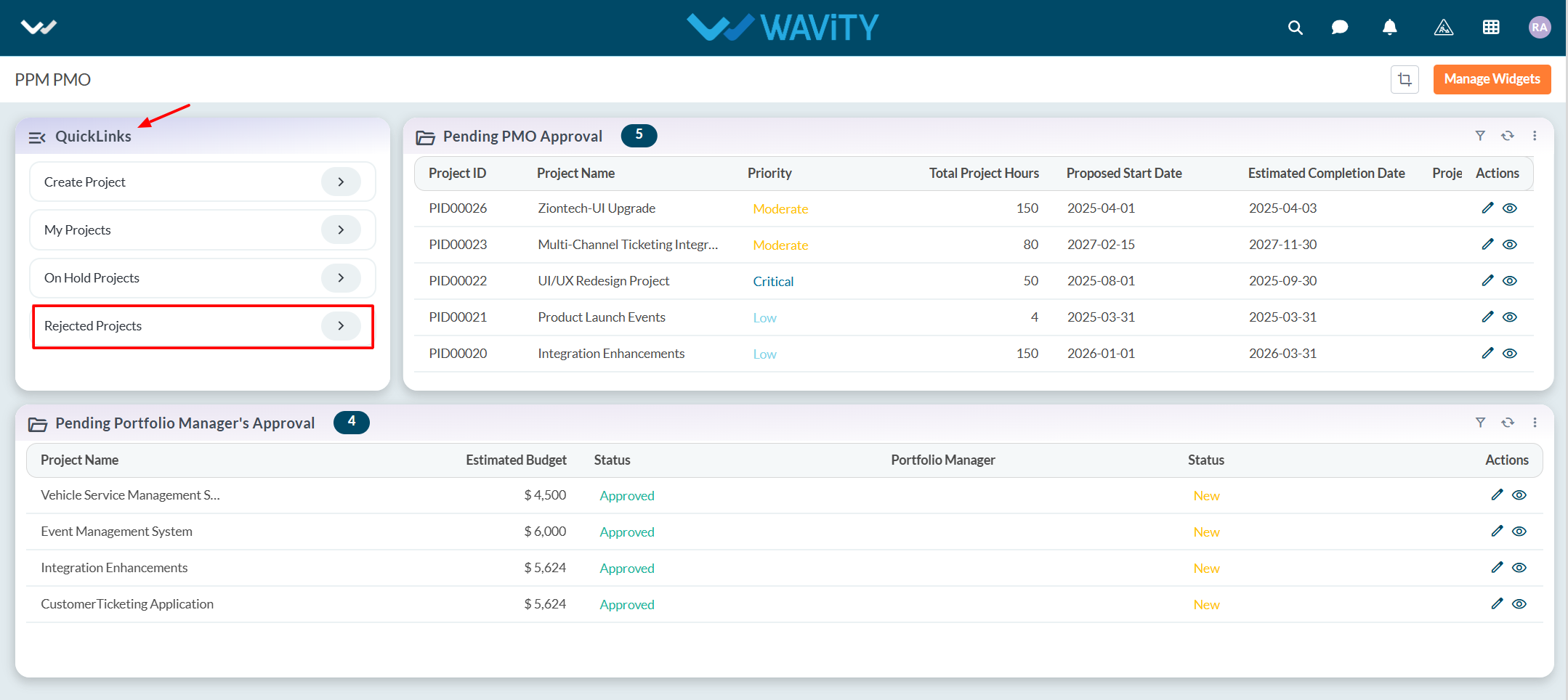
- From the Quick Links section, click on Rejected Projects.
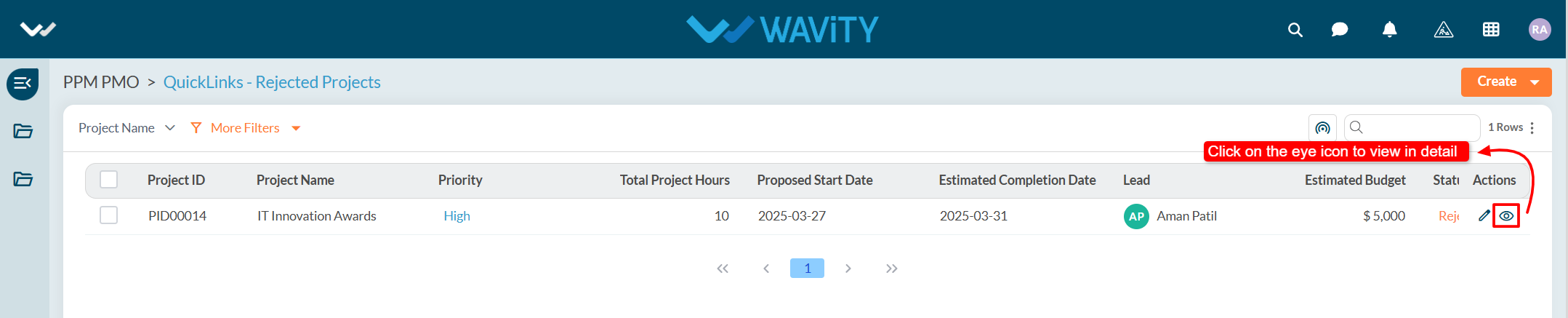
- A list of all rejected projects will be displayed. Click on the eye icon next to a project to view its details.
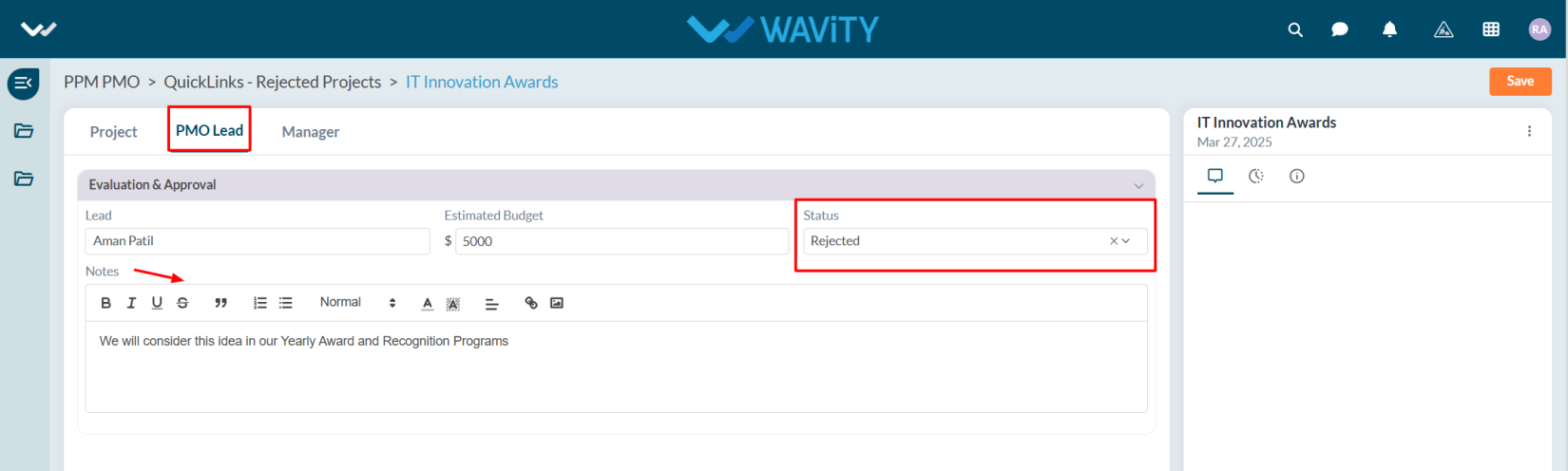
- Users can view the complete details of the rejected project for further review or action.