IT Agent Login – IT Asset Management

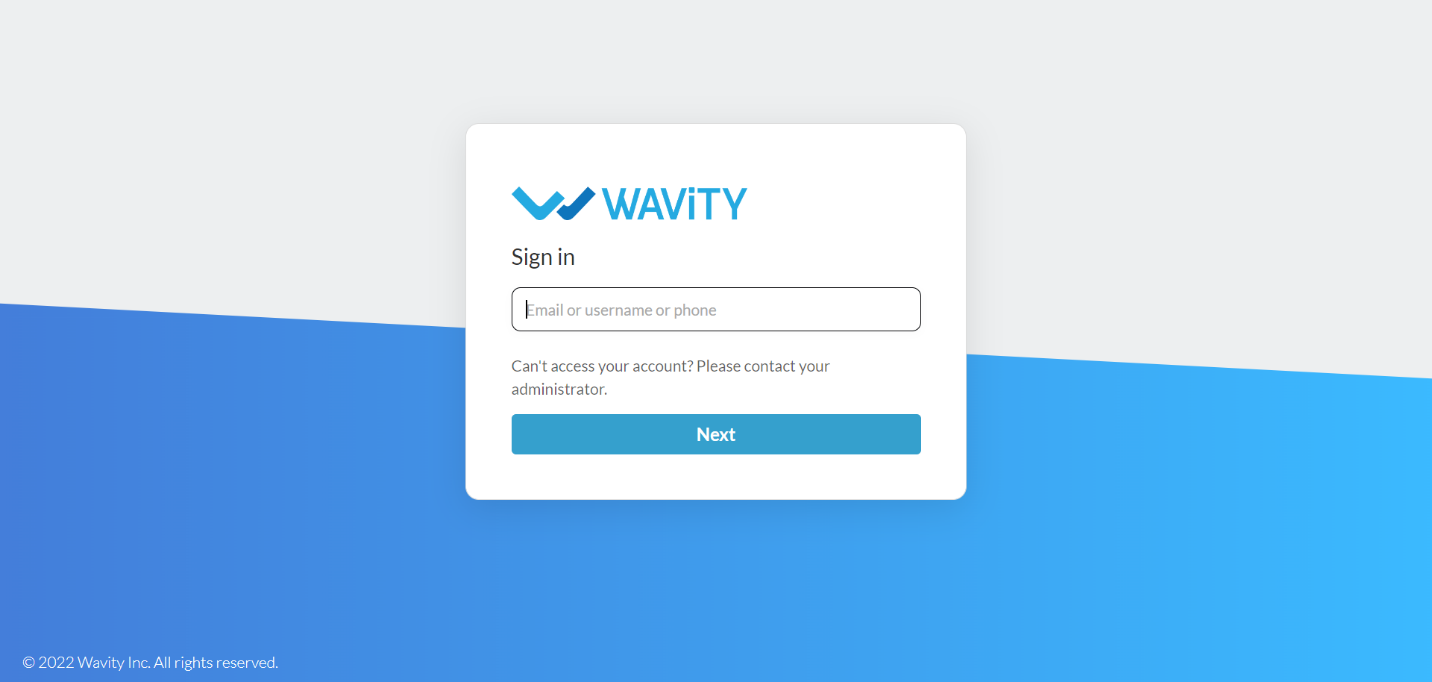
  • Login to your Wavity account by entering your email id/username and password.
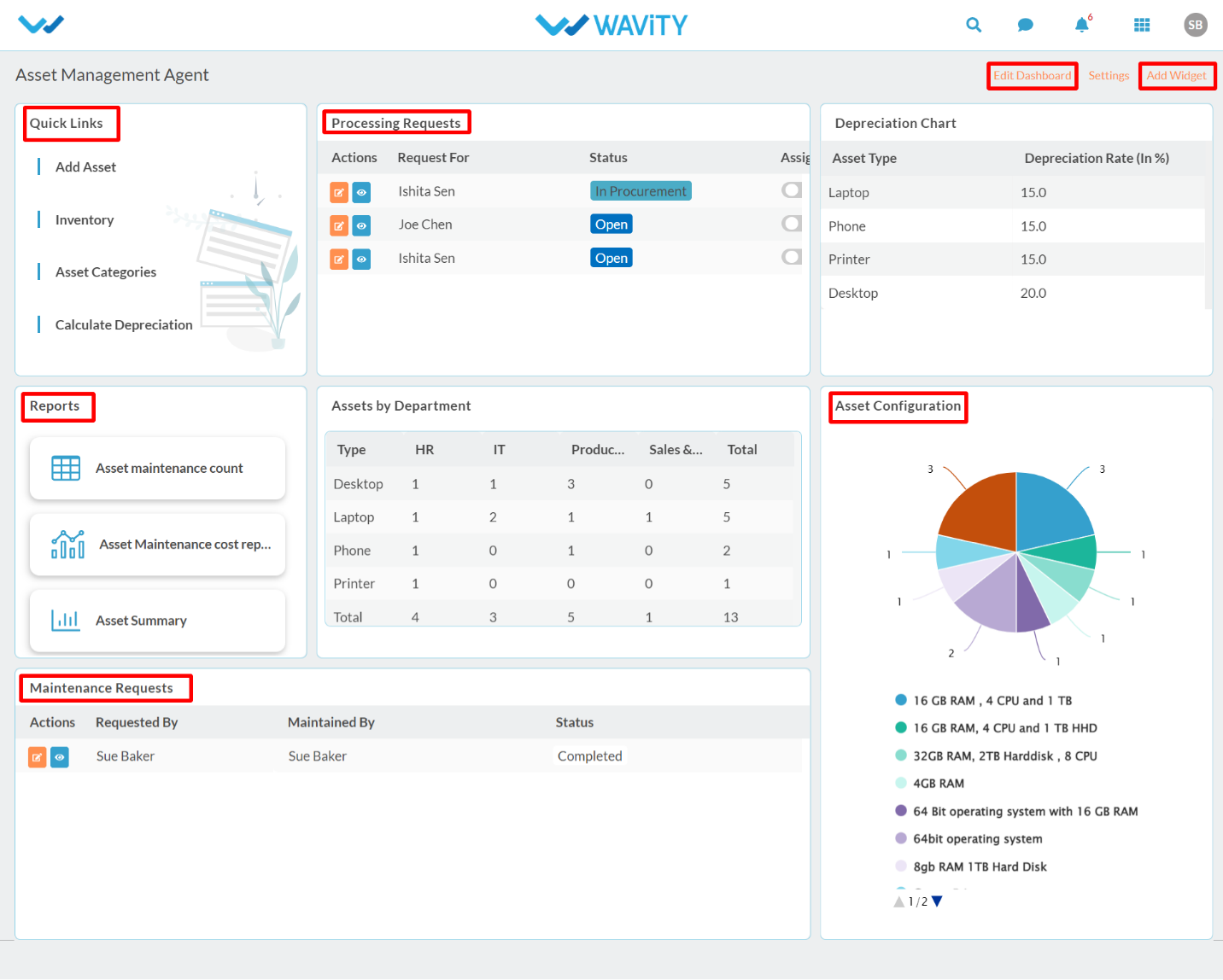
  • After logging in, Agent dashboard will be displayed as shown below. Dashboard can be edited by clicking on ‘Edit Dashboard’. Agent dashboard contains the following major functions:
  • Quick Links: Quick Links helps to navigate through the platform. Major quick links for user are Add Asset, Inventory Management, Asset Categories & Calculate Depreciation.
  • Analytics & Reports: Analytics and reports based on role and data in the platform.
  • Activity Stream: It will display all the activities carried out in the platform.
IT Agent Login – IT Asset Management

  • Login to your Wavity account by entering your email id/username and password.
  • After logging in, Agent dashboard will be displayed as shown below. Dashboard can be edited by clicking on ‘Edit Dashboard’. Agent dashboard contains the following major functions:
  • Quick Links: Quick Links helps to navigate through the platform. Major quick links for user are Add Asset, Inventory Management, Asset Categories & Calculate Depreciation.
  • Analytics & Reports: Analytics and reports based on role and data in the platform.
  • Activity Stream: It will display all the activities carried out in the platform.

Leave you comment...

Thank you! Your submission has been received!
Oops! Something went wrong while submitting the form.