Admin Guide: How to Resend an Activation Link to a User
- Administrator can resend an activation link to help users activate their accounts.
- Navigate to Profile Icon > Identity Management > Users.
- Use the filter to check current status of users in the list, such as "active," "deleted," "disabled," or "expired."

- Also, search for the user for whom you want to resend an activation link. Click on “Edit” button as shown below.

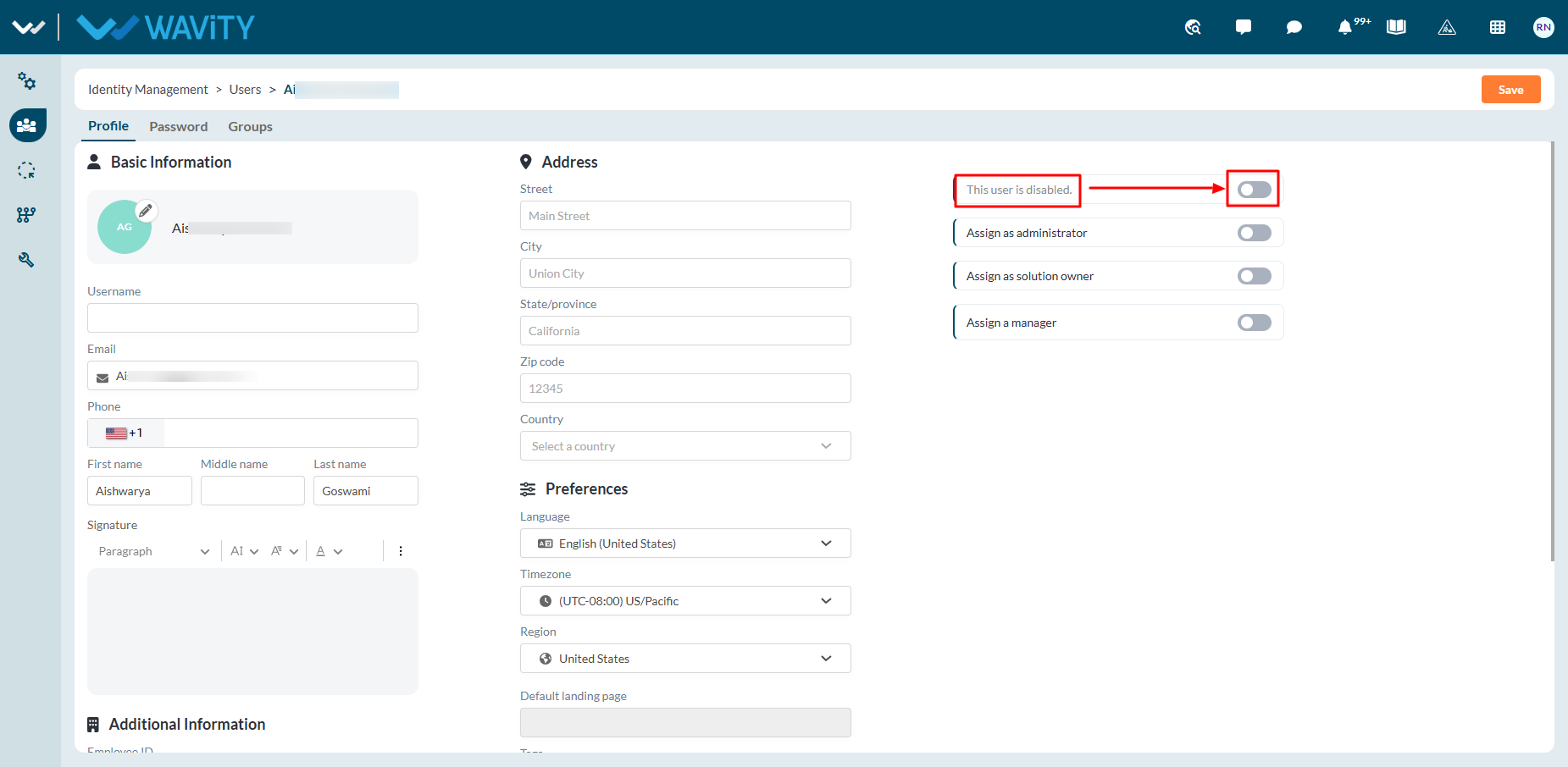
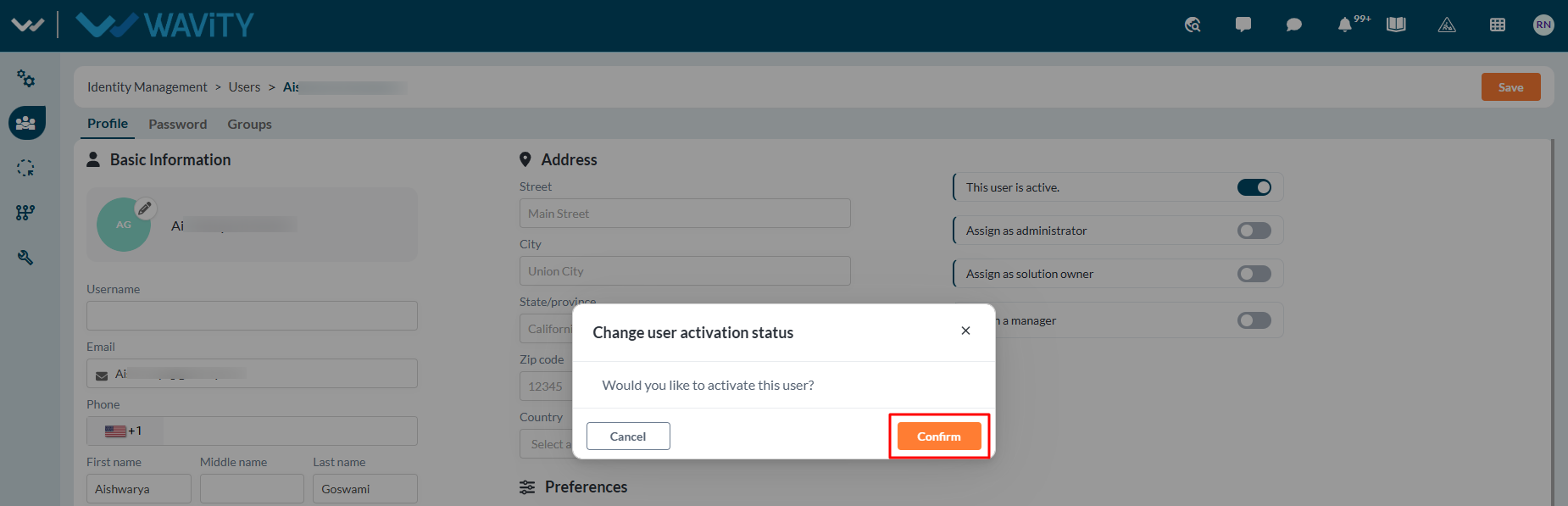
- Toggle ‘On’ to reactivate user.
- Click "Reset" on the confirmation pop-up message to complete the password reset process.
- Confirmation message on password reset link will be displayed at the bottom of the page as shown in below image.

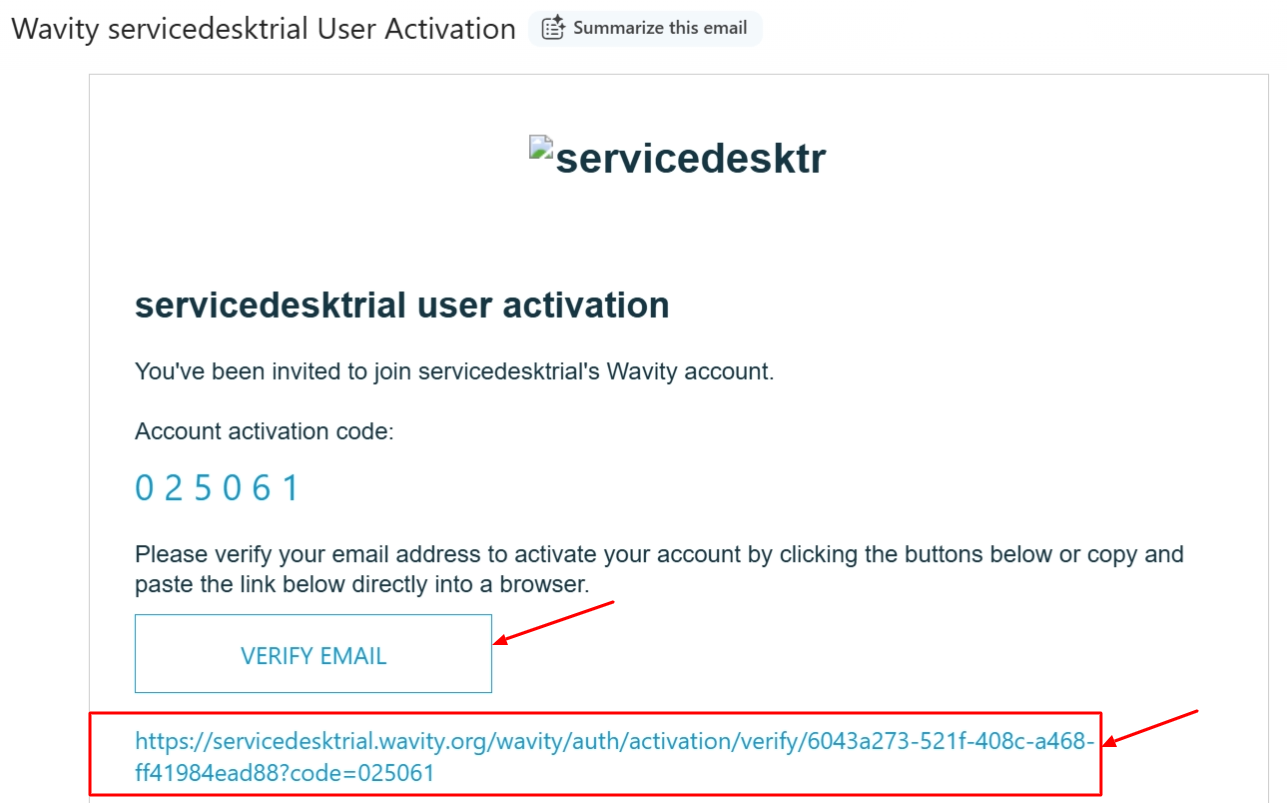
- Selected user will receive an automated email from Wavity containing an activation link. The user shall click on the activation link to reset their password. Please note that the activation link will expire in a few days.
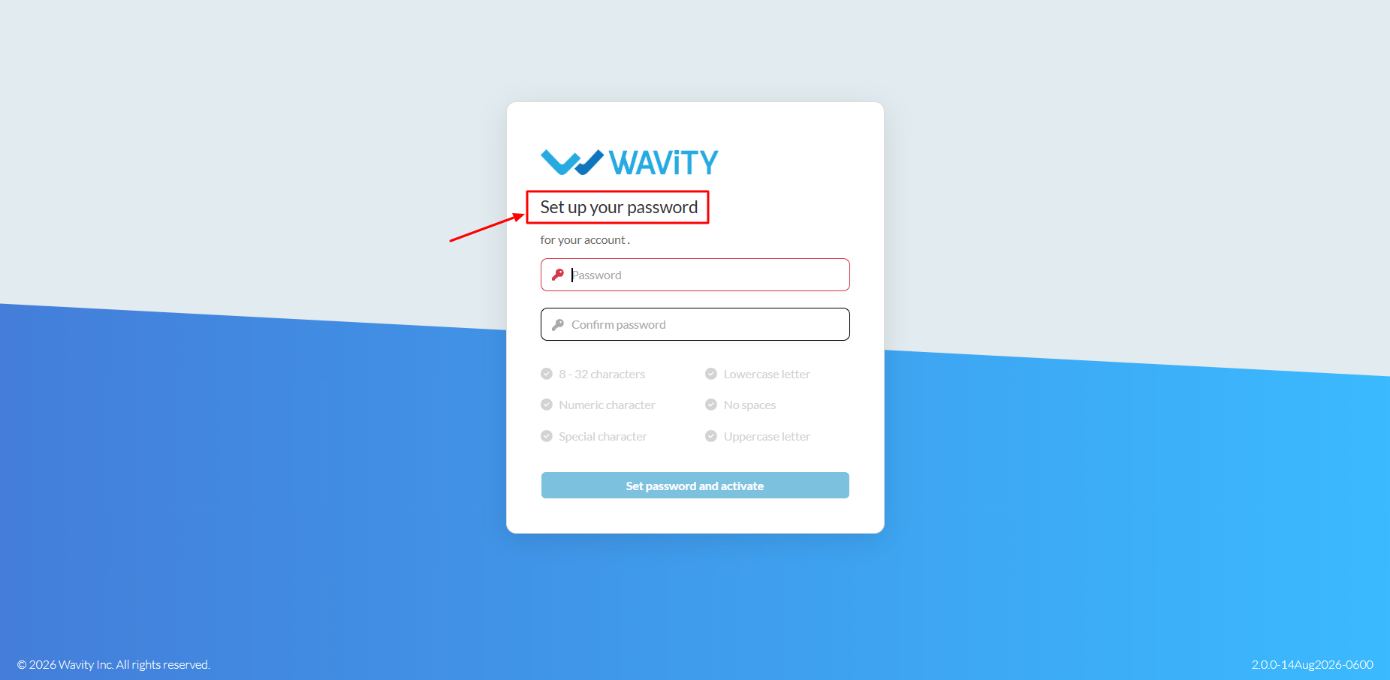
- The user shall enter a new password and reset it, ensuring all password conditions are met.