End User Guide: Retrieving Incidents in Wavity
End User Guide: Retrieving Incidents in Wavity
- Retrieving Incidents in Wavity is a simple, user-friendly, and accessible via Wavity Help & ServiceDesk.
- Note: The steps provided below are sample instructions and can be customized to suit specific organizational requirements; however, the core workflow remains consistent.
- Users can log in with their credentials on the Wavity platform, which will direct them to the End User Interface.
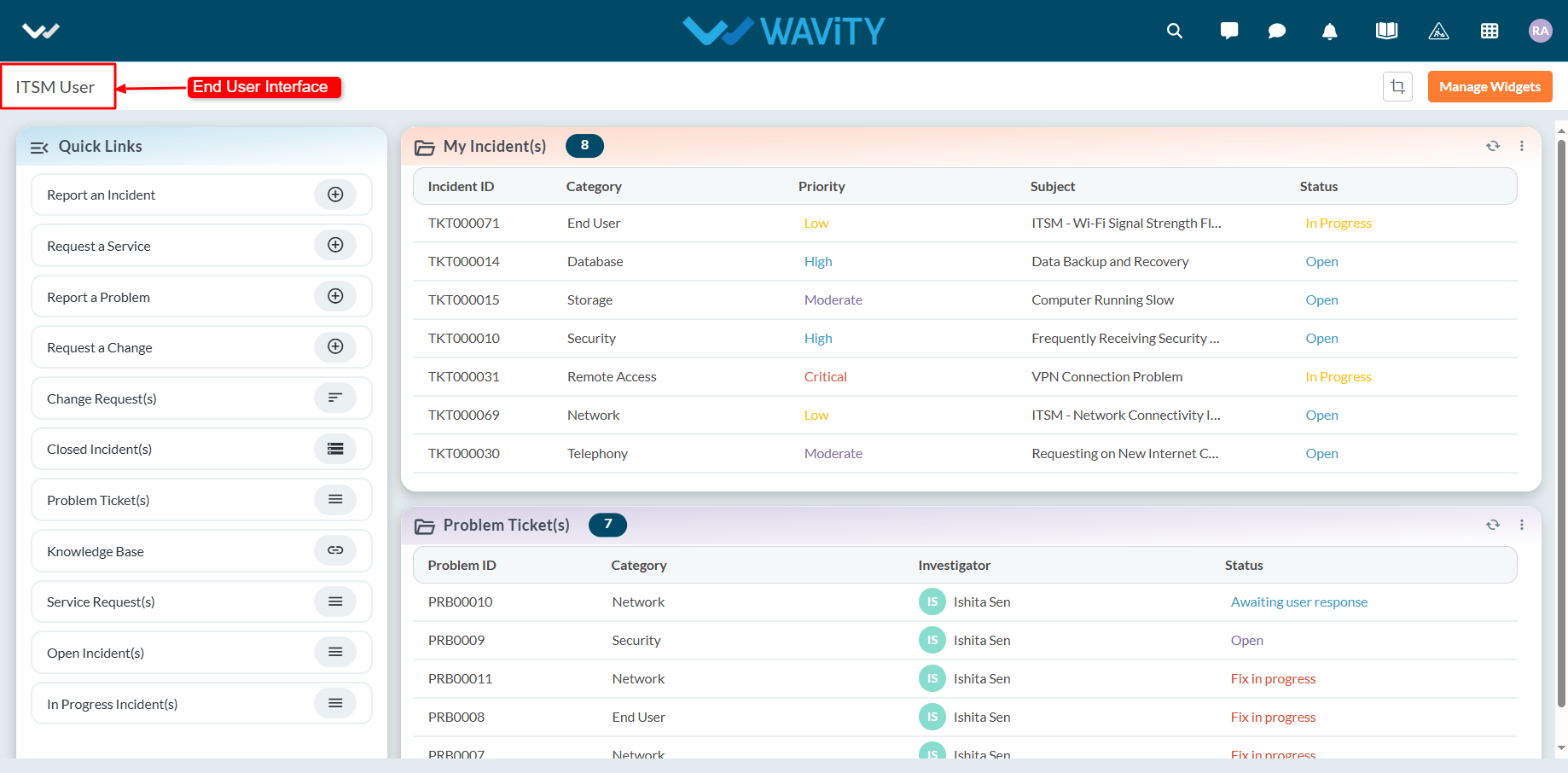
- Click on the ‘My Incidents’ table widget to view all incidents created by you that are not yet closed. Click on any listed incident to view its detailed information.
