Admin Guide: Configuring Scope Filters for Widgets
Admin Guide: Configuring Scope Filters for Widgets
- In the Wavity platform, enabling scope filters is a simple and straightforward process.
- Scope filters restrict agents from selecting or modifying filters in the widget or links. When scope filters are disabled, agents can access and apply filters to view tickets.
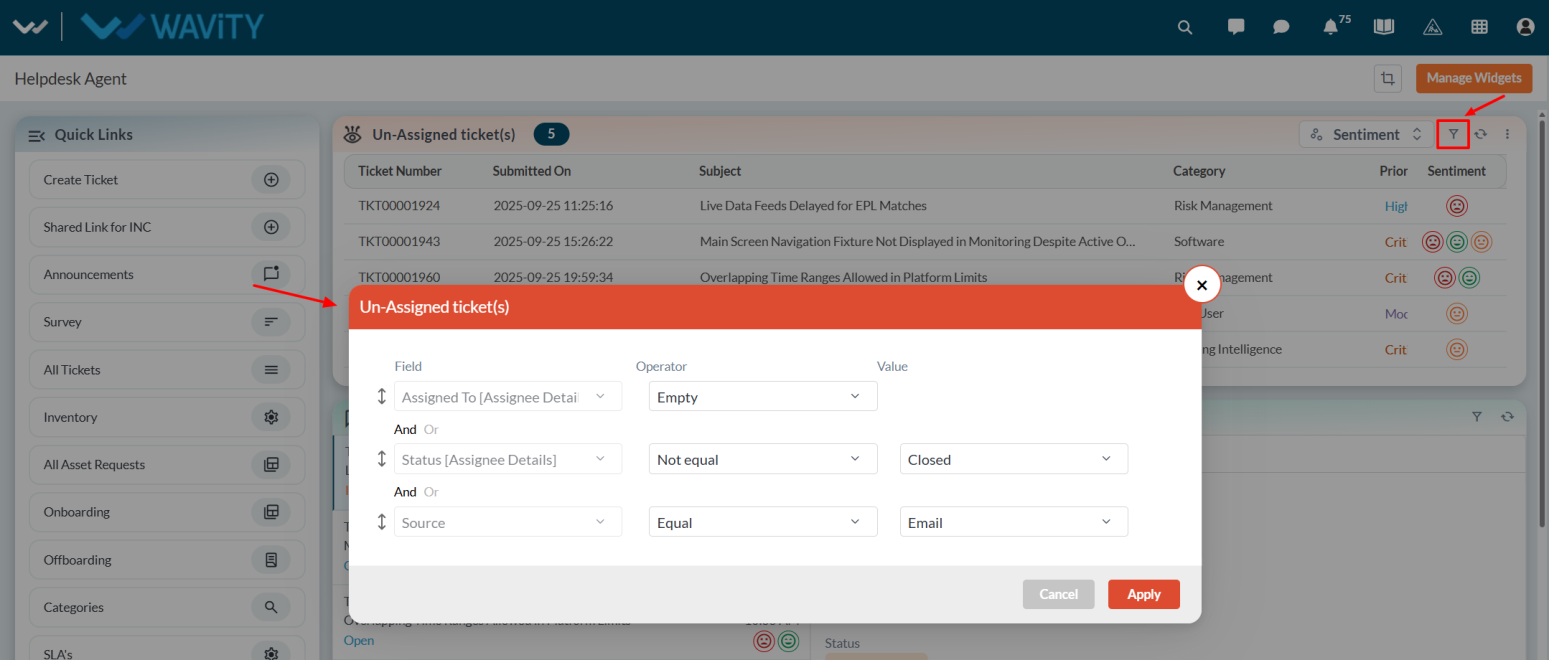
- Only the Admin has permission to enable scope filters. Click on Manage Widgets from the settings.

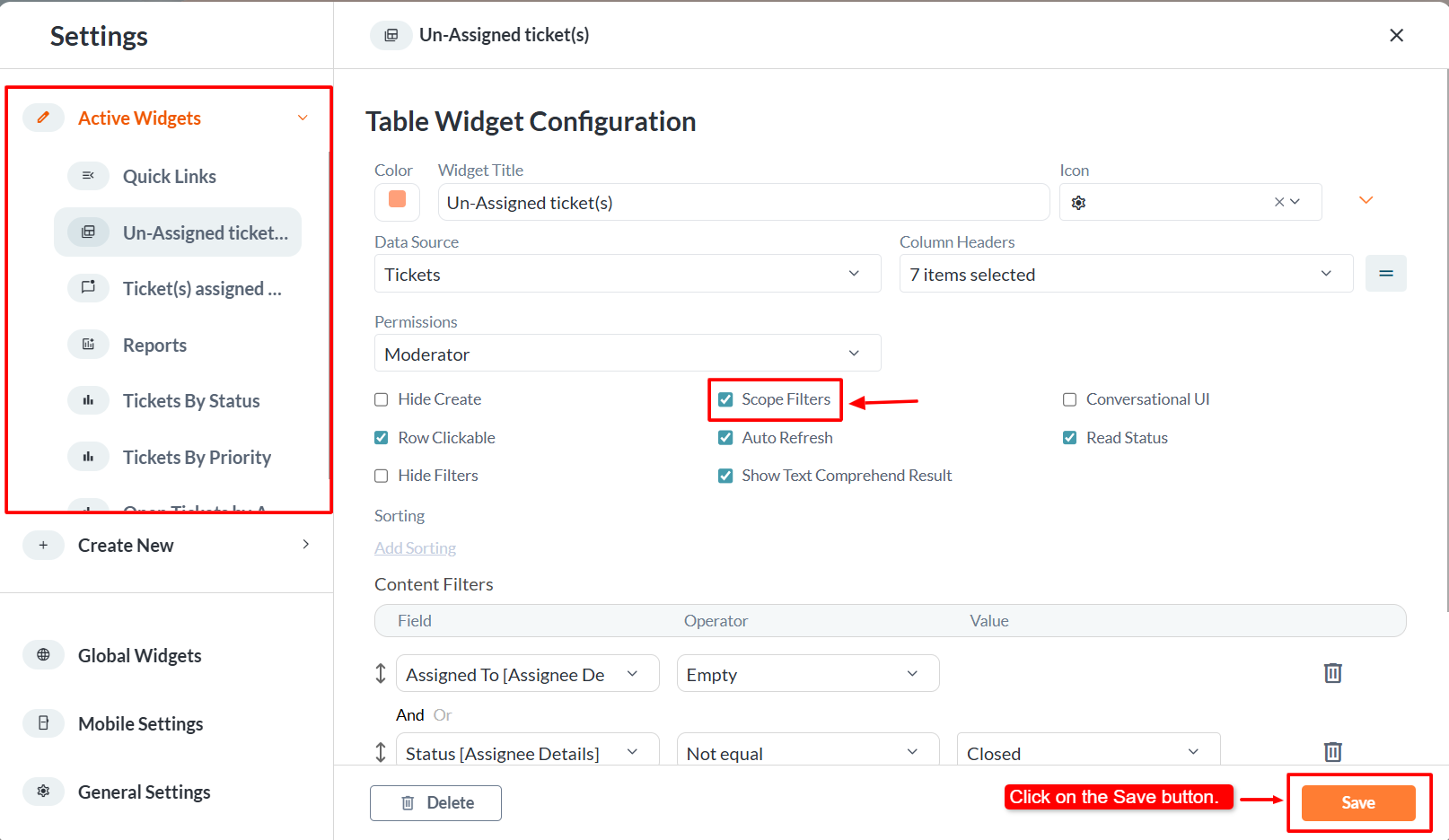
- Select the desired widget where you want to enable the scope filter.
- By default, the scope filter option is disabled. Check the Scope Filter box to enable it, and then click Save to apply the changes.
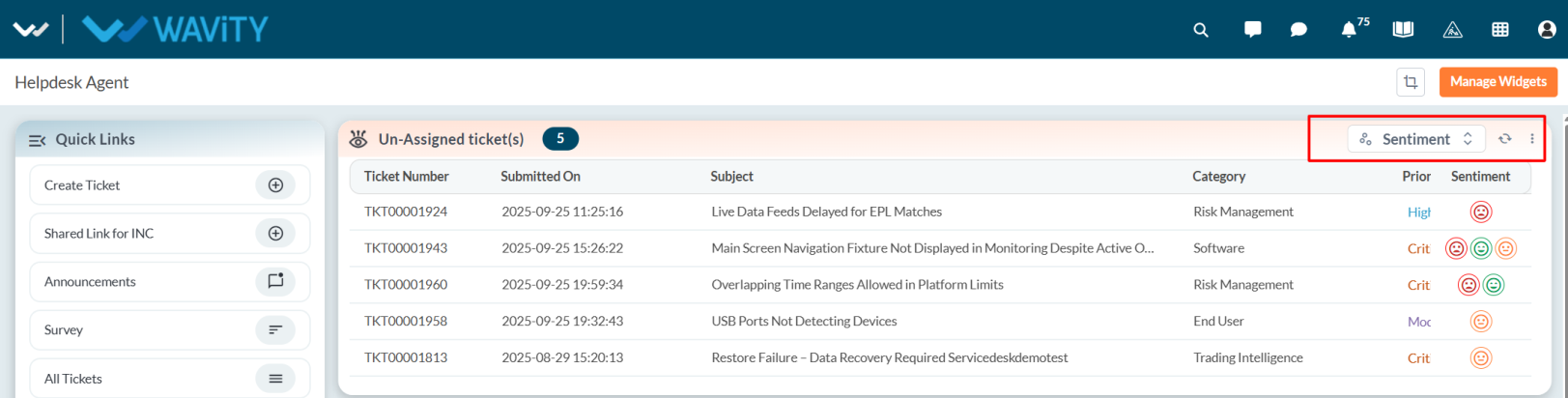
- Once enabled, the Admin will notice that the filter icon is no longer visible in the widget.