How to Update Employee Directory
How to Update Employee Directory
- In the Wavity platform, updating employee directory is a simple and intuitive process. It can be done automatically through the SCIM process or manually by an Admin, Manager, or HR, depending on organizational policy.
- Note: The steps outlined below serve as general instructions and can be fully customized to meet specific organizational needs; however, the core workflow remains the same.
- Managers or HR personnel with the appropriate access must log in using their credentials to access the Manager/HR Interface.
- Click on Employee Directory from the Quick Links in your interface.

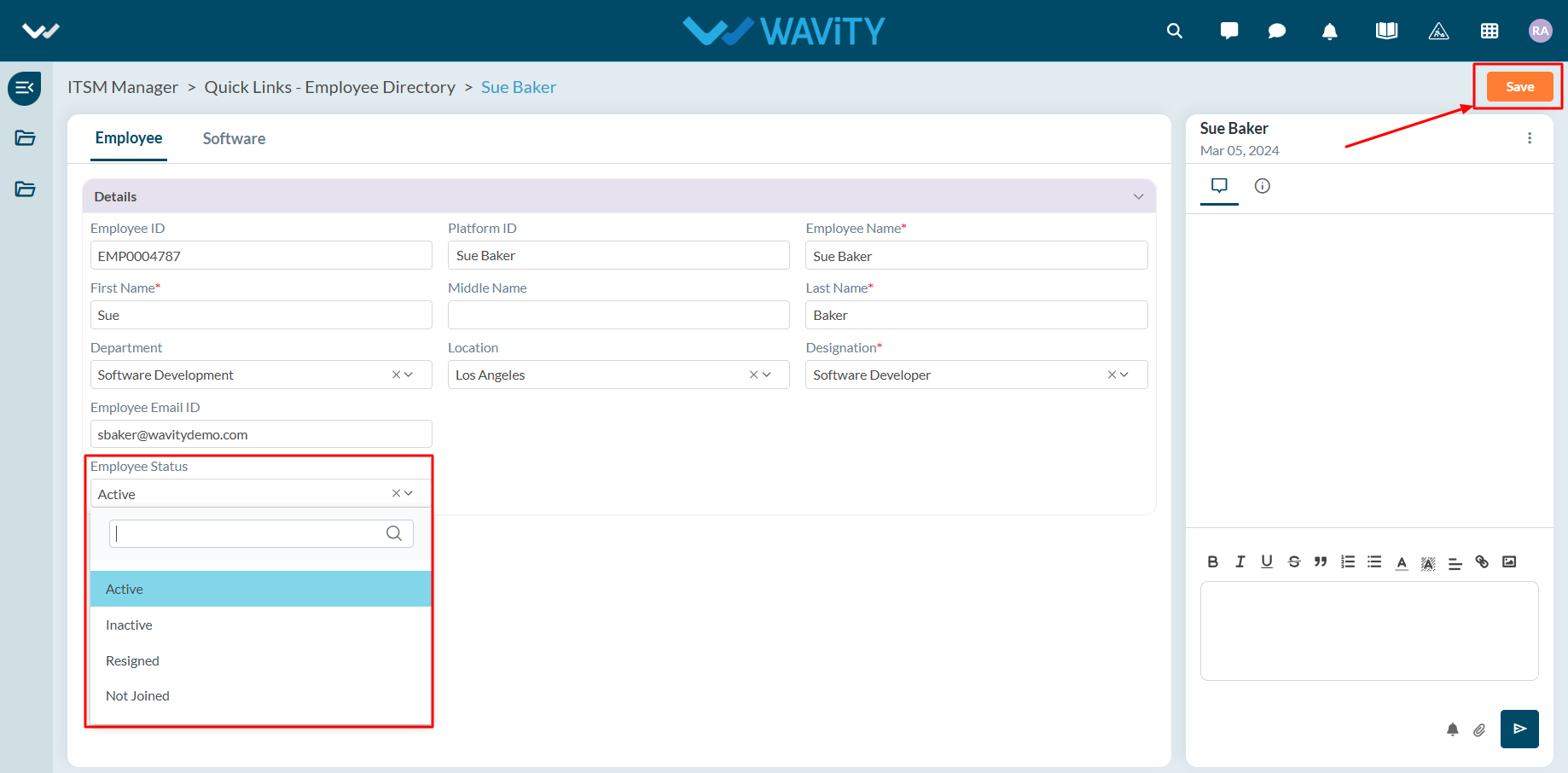
- Click on the employee whose information you wish to update.

- Make the necessary updates to the employee’s information. Click Save to apply and update the changes.