End User Guide: Create Tickets/Incidents via Customer Portal
HomeProductsIT Service Management (ITSM)End User Guide: Create Tickets/Incidents via Customer Portal
End User Guide: Create Tickets/Incidents via Customer Portal
- Creating incidents in the Wavity Customer Portal is a simple and user-friendly process.
- Note: The steps provided below are sample instructions and can be customized to suit specific organizational requirements; however, the core workflow remains consistent.
- Users can access the Customer Portal either directly through the Portal URL or via the interface.
- From the interface, click on Customer portal icon.

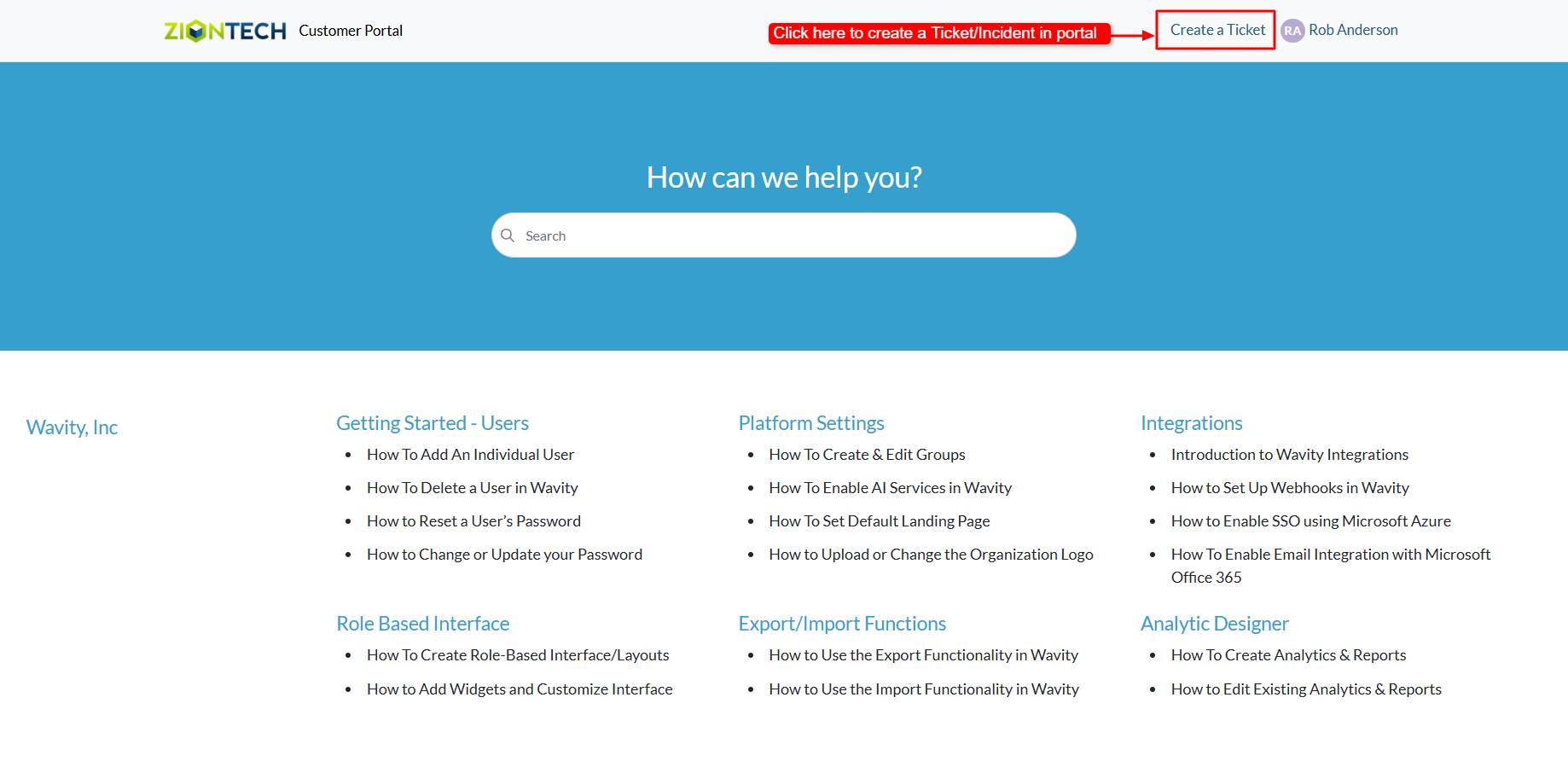
- In the Customer Portal, click on ‘Create a Ticket’ to open the incident/ticket creation form.
- Complete the form with the necessary details and click Submit to create a ticket or incident in the Wavity ITSM solution.
