Agent Guide: How to update an existing SLA in ServiceDesk
Agent Guide: How to update an existing SLA in ServiceDesk
- Creating and updating SLAs in the Wavity platform is a simple and intuitive process for agents.
- Note: The steps outlined below serve as general instructions and can be customized to meet specific organizational needs; however, the core workflow remains the same.
- Agents with the appropriate access can log in using their credentials and will be directed to the Agent Interface.
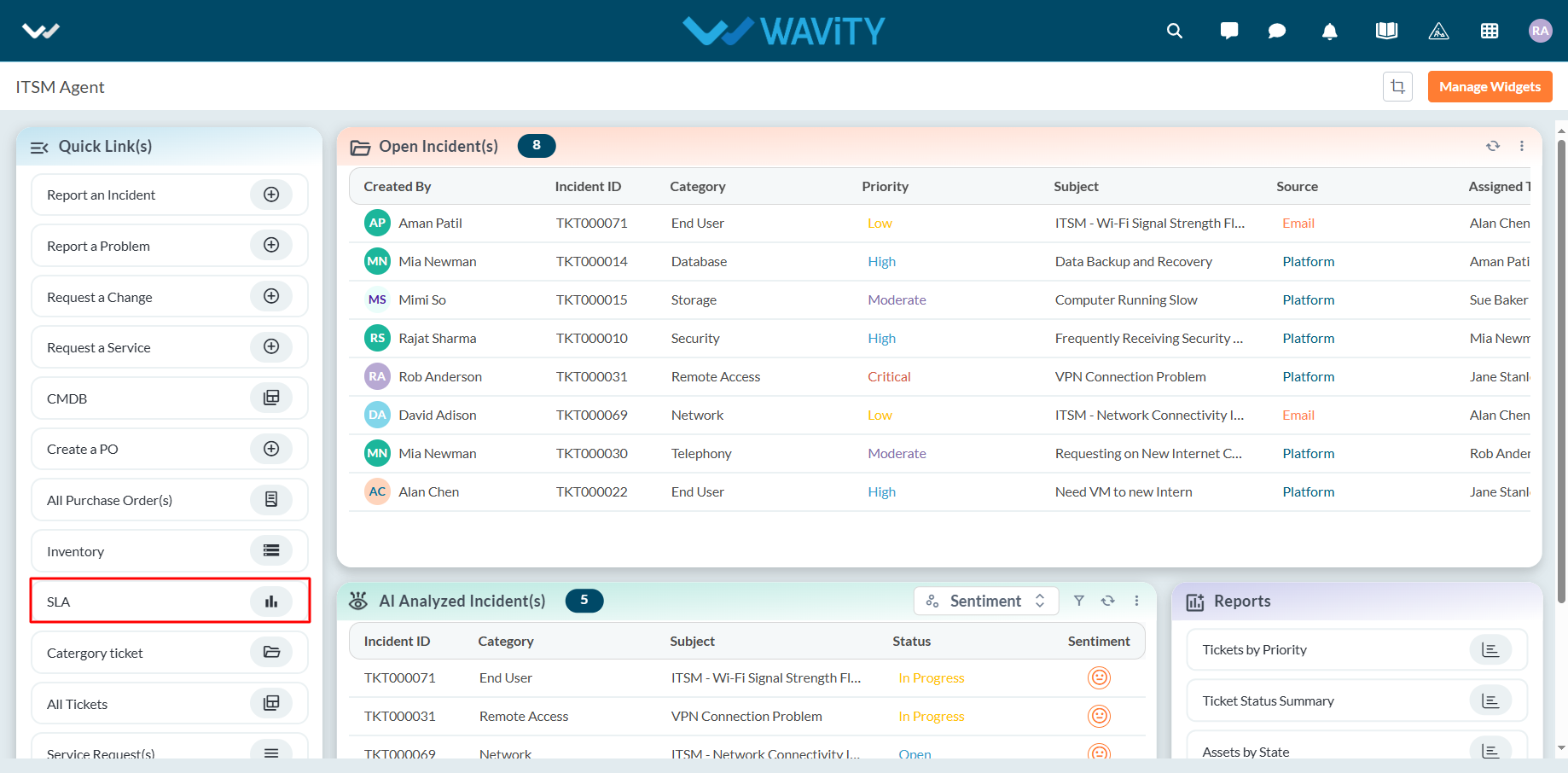
- From the Quick Links widget in the Agent Interface, click on SLA.
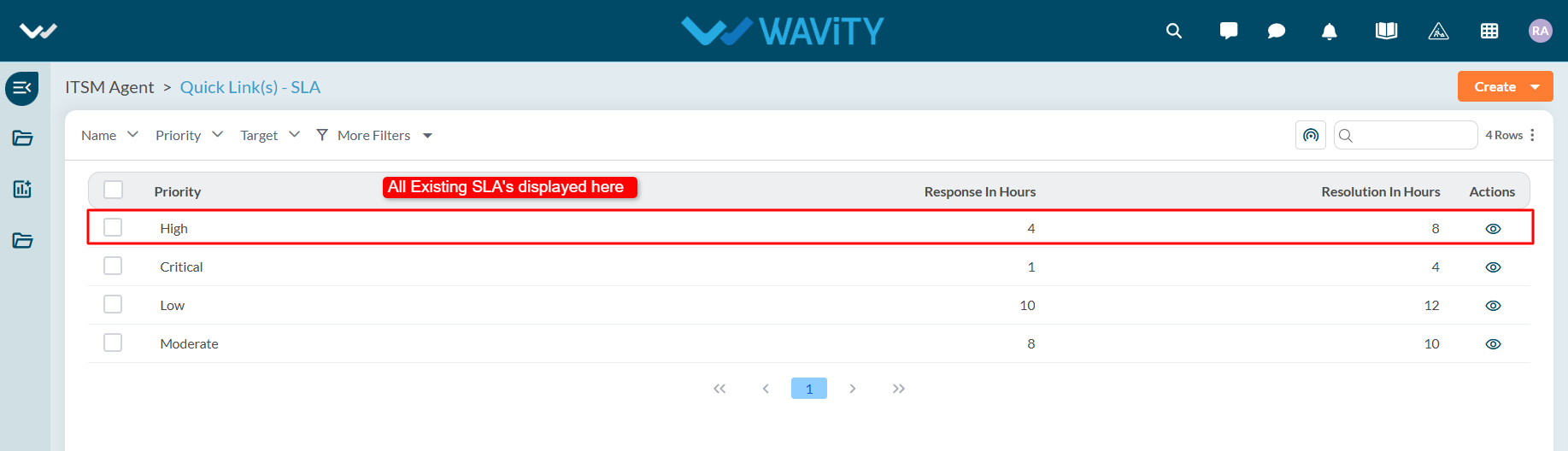
- All existing SLAs will be displayed in a list format. Click on the SLA you wish to update.
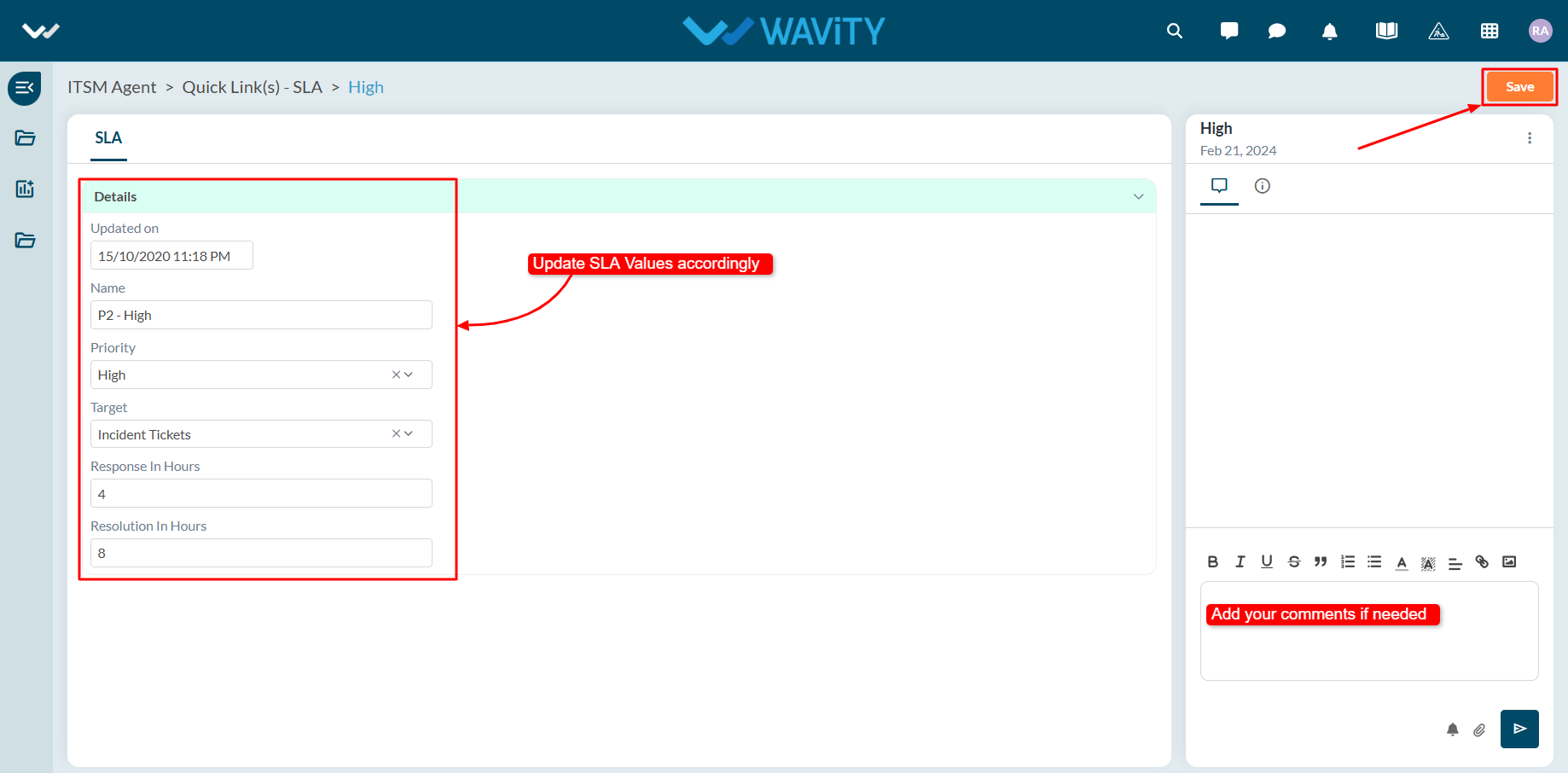
- Make the necessary changes to the SLA details, including Response Time and Resolution Time. Click Save to complete the update process.